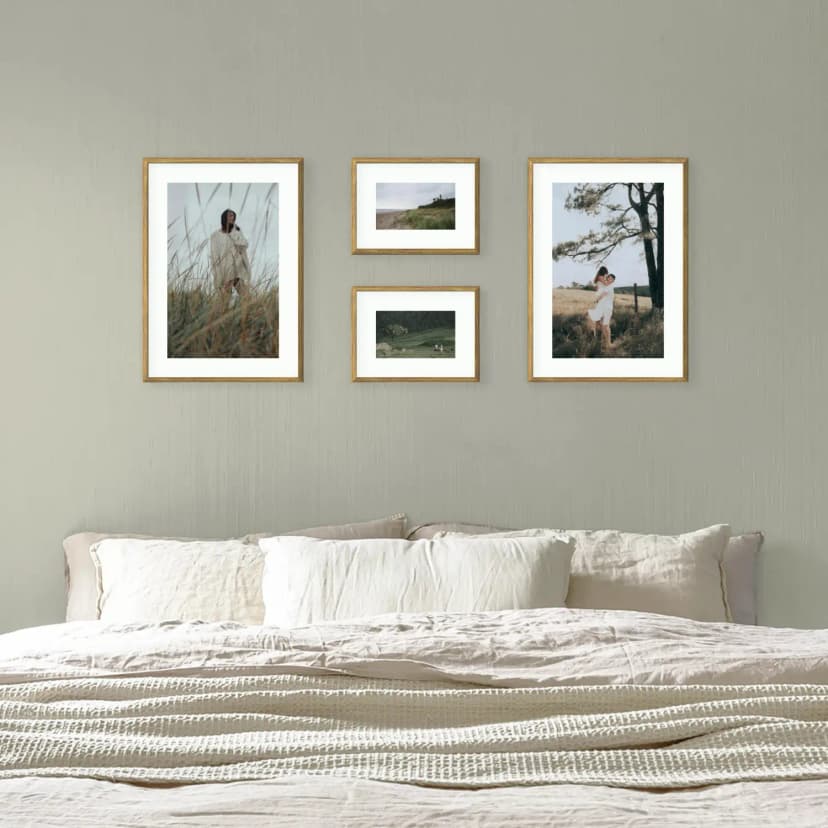
Gallery Wall on a Sloped Ceiling: How to Hang Pictures in an Attic Room
Under a sloped ceiling, hang the gallery on the low knee wall or the gable wall, not on the slope. Heights, layouts and fixings for attic rooms.
6 min read
Article
300 DPI isn’t always required on a wall. See DPI by print size, viewing distance, and check your photo with our calculator.
Short answer: DPI (dots per inch) is the number of print dots per 2.54 cm. The premium standard is 300 DPI — but it's not needed everywhere. A photo hanging on a wall is usually viewed from 1 m, a distance at which your eye can only resolve 87 DPI. That's why a billboard printed at 30 DPI looks fine from the road, and a photo album at 250 DPI looks poor if you hold it 20 cm from your face. The key question isn't "how much DPI", it's "from how far away will you look at it".
This article is for people who want to print a photo on the wall and don't know whether their phone photo is good enough. I'll show you the exact maths (easier than you think), tables with concrete numbers for popular sizes, and at the end — a calculator that checks your photo in 3 seconds.
DPI stands for dots per inch — the number of printed dots in one inch (2.54 cm). The more DPI, the finer the details the printer reproduces. For comparison:
Your phone photo has a pixel resolution (e.g. 4032 × 3024 for iPhone in 12 Mpx mode). When you print that photo on 30 × 40 cm paper, each inch of print gets a certain number of pixels:
DPI = photo_length_in_pixels / print_length_in_inches
For a 4032-px photo printed at 40 cm (15.75 inches): 256 DPI. Close to the 300 premium standard, but not quite there.
300 DPI is a standard invented in the 1990s, when the typical medium was a photo album held in the hand at 25–30 cm. At that distance the human eye resolves around 291 DPI — so 300 DPI was a safe threshold above which the eye sees no difference.
But a wall gallery isn't held in the hand. You view it from 1 m, 2 m, sometimes from across the room. At those distances the eye physically cannot resolve 300 dots per inch. The printer's technology doesn't matter if your eye can't see it.
Human eye sharpness (for 20/20 vision — normal eyesight) has a physical limit: 1 minute of arc (1/60 of a degree). This is the Snellen standard used in ophthalmology for over 160 years. From that limit you can compute the maximum DPI the eye resolves at a given distance:
DPI_max = 3438 / distance_in_inches
Table for typical viewing distances:
| Distance | Situation | Max DPI the eye can see |
|---|---|---|
| 25 cm | Album held in hand (Apple "Retina" standard) | 349 |
| 30 cm | Close inspection, nose to the print | 291 |
| 50 cm | Reading distance, at a desk | 175 |
| 1 m | Normal gallery-viewing distance | 87 |
| 2 m | Passing in a hallway, view from a sofa | 44 |
| 3 m | Across-the-room view | 29 |
These numbers come from physics, not marketing. A 30-DPI billboard looks fine because you view it from 20 m — the eye at that distance resolves only about 14 DPI.
For a wall gallery — typically hung 0.8–1.5 m from the viewer in a living room, 2 m in a hallway — the real sharpness threshold is 87 DPI (from 1 m), not 300. That's a three-and-a-half-times lower bar.
Real-world example: you have a phone photo in 12 Mpx mode (4032 × 3024 px). The table below shows what DPI you'll get for popular print sizes:
| Print size | DPI for 12 Mpx photo | Verdict @ 1 m | Verdict @ 30 cm |
|---|---|---|---|
| 20 × 30 cm | 341 | ✅ Crystal clear | ✅ Premium |
| 30 × 40 cm | 256 | ✅ 3× headroom | ⚠ Tight (0.88×) |
| 40 × 50 cm | 205 | ✅ 2.4× headroom | ⚠ Soft up close |
| 50 × 70 cm | 146 | ✅ OK (1.7× headroom) | ❌ Pixels visible |
| 70 × 100 cm | 102 | ⚠ Tight @ 1 m | ❌ No |
| A3 (30 × 42 cm) | 244 | ✅ | ⚠ |
| A2 (42 × 59 cm) | 174 | ✅ | ❌ |
Practical conclusions:
If you want to check your photo specifically rather than compare it to an iPhone, drop it into our DPI calculator — you'll get a verdict for every Framky size plus standard paper formats, in 3 seconds. The photo never leaves the browser.
Three quick methods — fastest to most accurate:
If your photo is 4000 pixels on the long edge (standard iPhone 12 Mpx), it's enough for:
If the photo is less than 2000 pixels (screenshot, Facebook photo, email thumbnail) — it's only enough for very small prints, up to 15 × 20 cm. Anything larger and you'll see the pixels.
Open the photo on your phone, check the resolution (iPhone: Photos → info → properties → "pixels"). Divide the long edge by the print length in inches:
4032 px / (40 cm / 2.54) = 4032 / 15.75 = 256 DPI
If the result is ≥ 87 DPI, the photo looks sharp from 1 m.
Most accurate and no maths: drop your photo into the DPI calculator. The calculator:
Flat, living room, sofa against the wall. You want to hang a single large photo above the sofa, 50 × 70 cm. The distance from the seated viewer to the wall behind them is roughly 0 m (you're right next to it); to the opposite wall — 3–4 m.
Normal viewing point: you walk into the living room, sit down, glance at it occasionally. Distance around 2 m. The eye at 2 m resolves 44 DPI. For a 50 × 70 cm print from an iPhone (4032 × 3024 px) you have 146 DPI — more than 3× headroom. The print looks great.
Hallway, gallery of 6–9 frames, 30 × 40 cm each. Walking past, you pass the frames at 50–100 cm. The eye at 1 m resolves 87 DPI, at 50 cm — 175 DPI. For a 30 × 40 cm frame from iPhone you get 256 DPI — 2.9× headroom when walking past (1 m), 1.5× headroom when stopping to look (50 cm). The gallery looks great in both cases.
Bedroom, wall behind the bed, you want a large 70 × 100 cm print. You'll view it from bed (0.5–1 m) — at that distance the eye resolves 87–175 DPI. For 70 × 100 cm from iPhone 12 Mpx you have 102 DPI — on the edge from 1 m, weak from 50 cm. If you have the wedding photo from a photographer (typically 24+ Mpx), the problem goes away — DPI rises above 220 and everything is fine.
Takeaway from this scenario: photos from a photographer's session deserve large sizes and pigment printing with a set of 12 inks. Phone photos — not always.
WhatsApp compresses photos to about 1600 × 1200 px (2 Mpx) on standard send. From that you get:
Solution: ask the sender for the original (via AirDrop, Google Drive, email). Avoid the messenger's compression.
Facebook compresses even harder — typically to 960 × 720 px. For a print larger than 15 × 20 cm — forget it. That photo is a screen photo, not a print photo.
If you cropped a photo on your phone (e.g. trimmed to a square or portrait), it has fewer pixels than the original. If the original was 4032 × 3024 and you cropped to 2000 × 2000 — you have 2 Mpx instead of 12. Pixel division × print is simple maths; pixels lost to cropping don't come back.
Newer iPhones (14 Pro, 15 Pro, 16 Pro) shoot in 24 Mpx by default but can shoot in 48 Mpx ProRAW. If you have such a photo, you have 8064 × 6048 px — that's 4× more surface area than the standard 12 Mpx. You can print anything at home-sized formats with headroom.
How to check the mode: Settings → Camera → Formats → ProRAW and Resolution Control. Switch on 48 MP as the default resolution if you plan to print.
You have a low-resolution photo and can't retake it (grandma's 1980s photo, a family scan, a screenshot). Options:
How much DPI do I need for a 30 × 40 cm print? For the premium standard (300 DPI) you need a photo at least 3543 × 4724 px. For sharpness at 1 m viewing distance, 1028 × 1370 px (87 DPI) is enough. A 12 Mpx iPhone photo has 4032 × 3024 px — giving 256 DPI, nearly premium. It looks great.
Is an iPhone photo good enough for printing? Yes, up to 40 × 50 cm in 12 Mpx mode, up to any Framky size in 48 Mpx mode. For A3 and A2 you need 48 Mpx or a photo from a dedicated camera.
How does viewing distance affect the DPI I need? The eye resolves 291 DPI at 30 cm, 87 DPI at 1 m, 44 DPI at 2 m. So the further from the photo, the less DPI is needed. A hallway gallery (walking past at 1 m) has different requirements than an album in the hand (30 cm).
What is premium photo print? 300 DPI on matte photographic paper with pigment printing (a set of 12 inks). That's the exhibition standard — what photo galleries and artists use. Framky prints at exactly that quality.
Why does matte paper forgive low DPI better than glossy? The matte surface scatters light, which optically "softens" pixel edges. On glossy paper the pixels are more visible because the light reflections highlight printer sharpness. Framky uses matte for this reason — plus a second: there are no light reflections dulling the photo's visibility.
Can I check DPI without uploading my photo to a server? Yes — our DPI calculator runs 100% in your browser. The photo never leaves your computer. That's not marketing, it's a technical choice: image processing takes a fraction of a second, so there's no reason to send it anywhere.
If you have a specific photo and a specific size in mind — don't guess, check. Drop your photo into the DPI calculator and see the verdict for every Framky size. The calculator also factors in viewing distance, so you'll know not just "whether" it'll look sharp but "from how far" it'll look sharp.
If you haven't yet decided between doing the gallery yourself or going with a ready-made system, read: DIY or Framky — which to choose for a photo gallery wall?. That article analyses cost, quality and time honestly — and includes a quiz that answers the question for your case.
If you want to see Framky's pigment print quality live before deciding — order a free sample. No commitment. Hold it in your hand, compare with a photolab print and decide with eyes open.
Sign up and we'll send you a code with a bigger discount than the shop offers — plus occasional inspiration for your photo gallery wall.
Under a sloped ceiling, hang the gallery on the low knee wall or the gable wall, not on the slope. Heights, layouts and fixings for attic rooms.
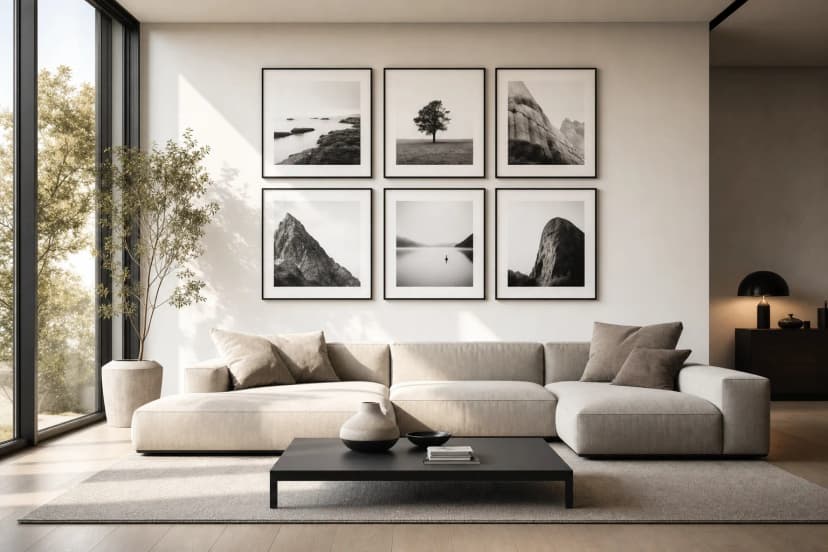
Treat the TV as one frame: centre the gallery on the screen, align edges, keep equal gaps and use larger frames near it. Four layouts that work.
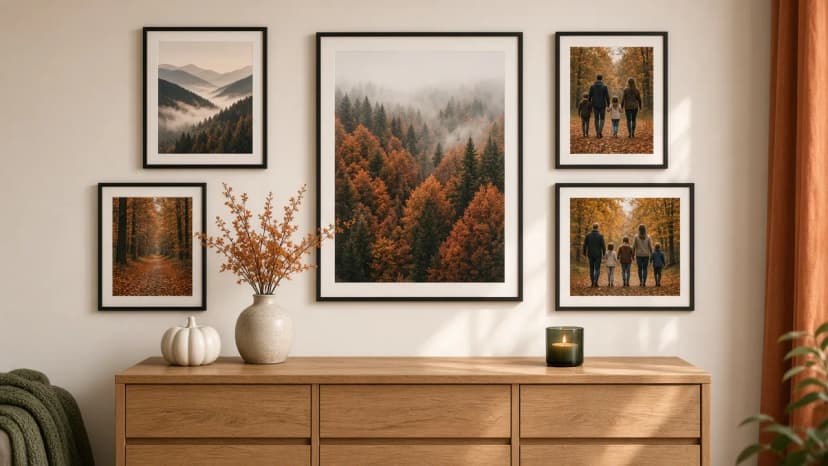
Autumn wall decorations without new frames: swap 2–3 photos in the gallery for forest, misty mountains, night sky and winter photographs from Framky Artists. How many to change, which palette, and when to return to the spring set.
Give it a try?
See how it works