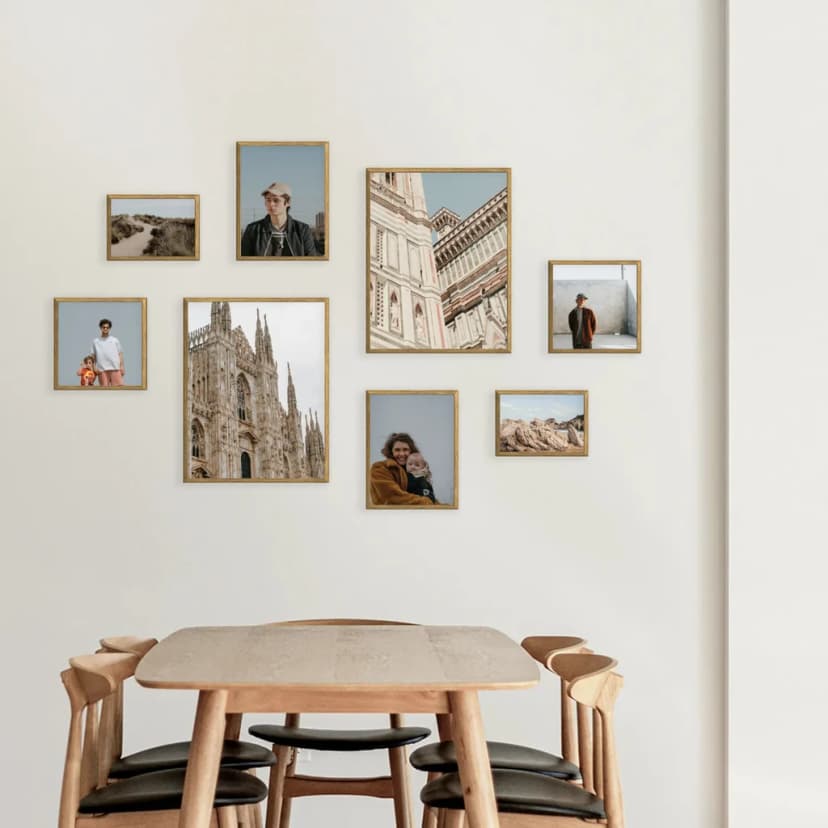
Picture Frame Arrangement Ideas for 3, 4, 5, 6, 8 or 9 Frames
Picture frame arrangement ideas for 3, 4, 5, 6, 8 and 9 frames, with wall sizes, 5–8 cm spacing, and matching Framky photo gallery wall kits.
10 min read
Article
Learn 4 effective methods to organize your photo gallery and create stunning wall displays. From regular backups to smart digital organization tips.
Whether your gallery is just beginning to take digital form or you've got thousands of pictures with frame memories waiting to be organized, knowing how to arrange them properly can save you countless hours. It's not just about backups—although that's incredibly important. Having a well-organized gallery helps you rediscover lost memories, easily find pictures you want to turn into beautiful wall pictures, and most importantly, allows you to enjoy them without stress.
](/_next/image?url=%2Fblog%2Forganization%2Fblog1.webp&w=828&q=75)
The most important thing is not to lose your pictures. Backing up even once a week or month, depending on how many new photos you take, is enough. Set a simple reminder on your computer or external disk—that way your memories will be secure in case of an emergency.
Use simple routines—for example, Sunday evenings or the first day of every month. Even just 15 minutes spent copying new pictures is all it takes.
Choose multiple backup locations: external drive, NAS, and also cloud storage. This way, your memories will be safe in case of device failure.
The next step is maintaining order in your gallery. Even the best pictures with frame memories lose value if they're hard to find. Here's how to organize effectively:

Selection during backup: Immediately weed out unwanted pictures—duplicates, repeated attempts, or accidental shots. This way, you'll avoid situations where hundreds of unreviewed photos pile up over months.
Practical tip: Create a separate folder called "To Review Later"—this is where new pictures go that you can browse and organize when you have time.
Simple labeling habit: When organizing, separate pictures into obvious categories—birthdays, holidays, everyday moments. This simple system lets you quickly find what you need later.
These steps really help with organizing your gallery wall ideas and save you hours of searching later.
 display in modern living room](/_next/image?url=%2Fblog%2Forganization%2Fblog3.webp&w=828&q=75)
Creating stunning living room pictures on your walls doesn't require professional design skills. First, identify which pictures you want to highlight. Gathering them in one place makes the entire selection process much easier.
Once you've chosen your frames for photos, plan your layout. You can try different configurations digitally, but I personally recommend a hands-on approach—simply lay the picture frames on the floor to visualize the final arrangement.
For those looking for a more systematic approach, tools like Framky's gallery planner can help you create the perfect photo wall layout. Whether you're designing a collage photo frame arrangement or planning a full gallery wall, having your pictures well-organized makes the entire process seamless.

If you find it extremely difficult to maintain perfect order in your gallery—maybe there are too many pictures, or you simply lack the time—there's another approach I call the "digital labyrinth."
Instead of trying to achieve perfect organization right away, create a hybrid system:
This method works especially well for people who take lots of pictures but don't have time for detailed cataloging. The key is regular backups and having at least one well-organized folder with current pictures.
Remember that organizing your photo gallery isn't a one-time task—it's a habit you develop over time. Start with what matters most: secure backups and basic organization. As you go, you'll find what works best for you, whether it's a detailed cataloging system or a more relaxed "digital labyrinth" approach.
The most important thing is that your memories are safe and you can easily access them when creating beautiful wall pictures or simply reliving precious moments with loved ones.
Sign up and we'll send you a code with a bigger discount than the shop offers — plus occasional inspiration for your photo gallery wall.
Picture frame arrangement ideas for 3, 4, 5, 6, 8 and 9 frames, with wall sizes, 5–8 cm spacing, and matching Framky photo gallery wall kits.
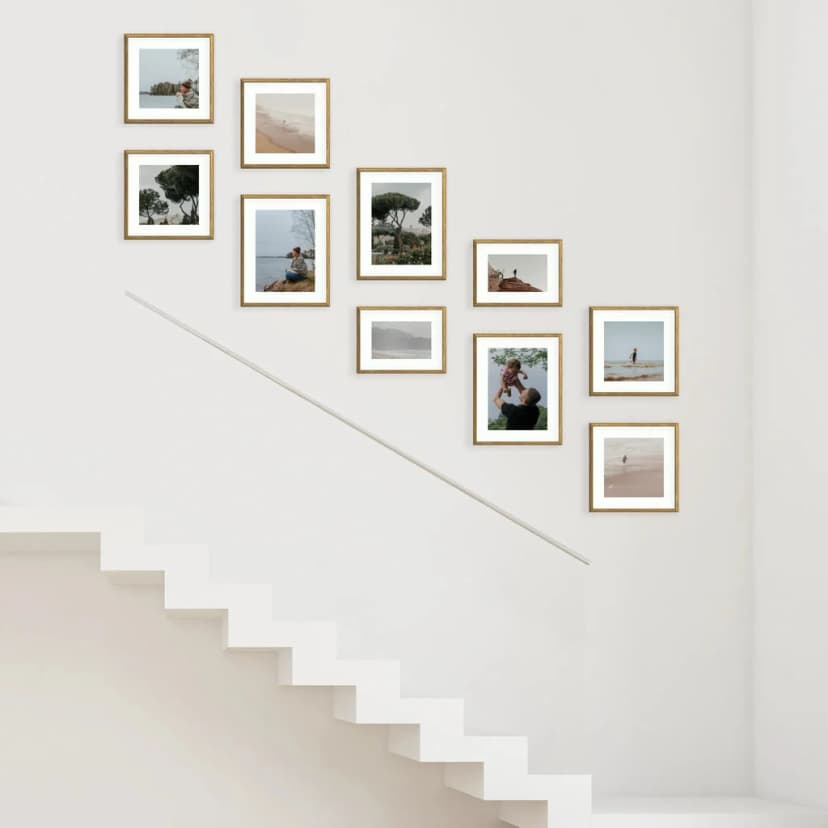
Hang a staircase photo gallery in about 15 minutes: measure the rise, pick a stepped layout, use Framky’s 1:1 template — no drill.
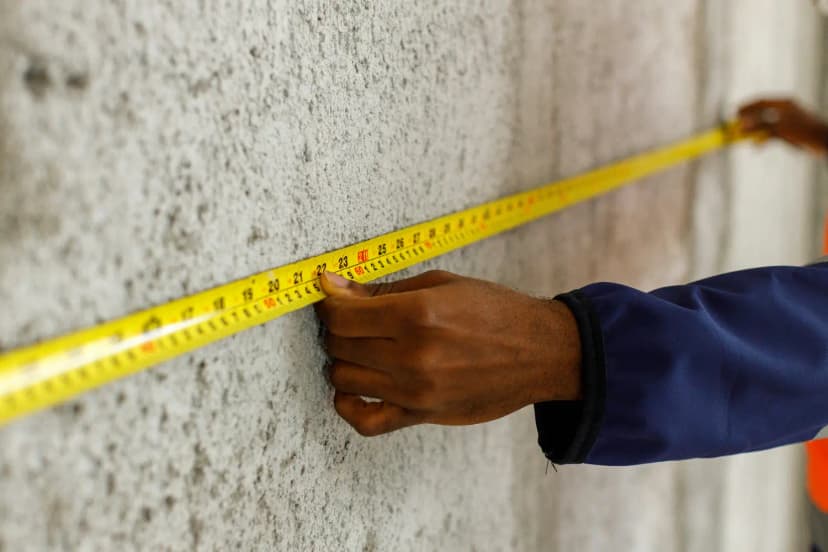
See gallery wall layouts with real sizes — 3, 5, 6, 8, 10+ frames. Match a Framky kit to your wall width, then hang with a 1:1 template.
Give it a try?
See how it works