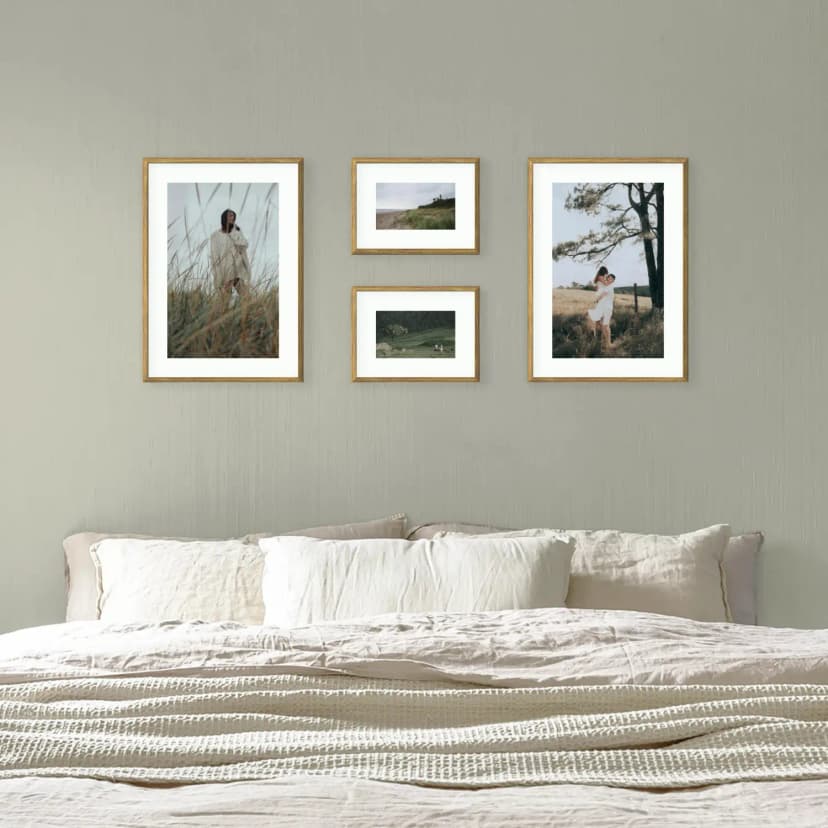
Gallery Wall on a Sloped Ceiling: How to Hang Pictures in an Attic Room
Under a sloped ceiling, hang the gallery on the low knee wall or the gable wall, not on the slope. Heights, layouts and fixings for attic rooms.
6 min read
Article
Treat the TV as one frame: centre the gallery on the screen, align edges, keep equal gaps and use larger frames near it. Four layouts that work.
Treat the TV as the biggest frame in the gallery. Centre the whole layout on the screen, not on the wall. Line up the frames with the top or bottom edge of the TV, keep the same gap between the TV and the frames as between the frames themselves, and put larger frames next to the screen. Small frames scattered around a TV are what makes the wall look cluttered.
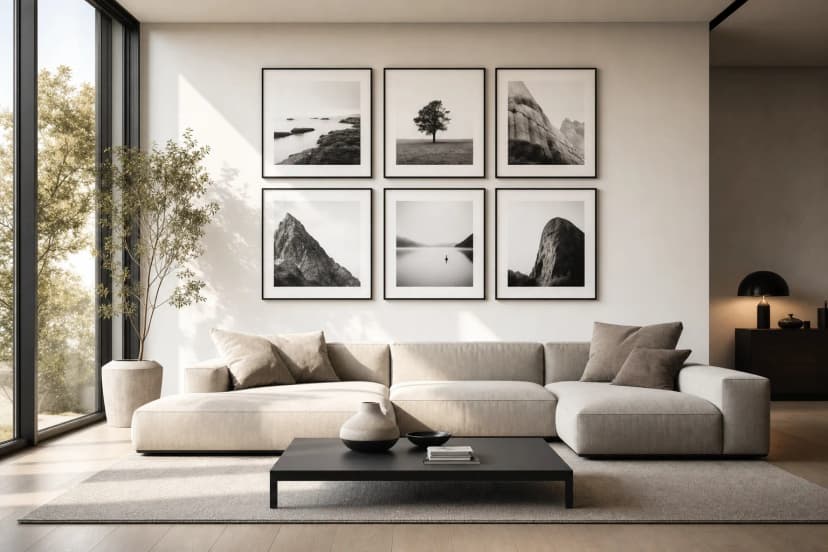
In October 2026 we read 435 forum threads about photo gallery walls for our gallery wall report 2026. The TV came up in 11 of them, from the US, the UK, Germany and Poland. The questions were the same everywhere:
| Layout | How it looks | Best for |
|---|---|---|
| Full frame | Frames on all sides of the TV, like a border | Wide walls; art-mode TVs that should blend in |
| Two columns | A vertical column of frames on each side of the TV | Narrow walls; TV units with space on both sides |
| Row above | One row of frames above the TV, as wide as the screen or wider | Low TV units; walls with little space at the sides |
| One side | The gallery on one side only, balanced by larger frames | TVs placed off-centre on the wall |
The usual rule puts the centre of a gallery at about 150 cm from the floor. Around a TV, the TV sets the height instead: the gallery follows the screen, wherever it is mounted. For a row above the TV, leave the same 5–8 cm gap above the screen, and keep the row low enough to see from the sofa. The full height table for other rooms is in how high to hang a gallery wall.
Framky frames hang on self-adhesive hangers. Self-adhesive hangers do not damage the wall when the paint is firmly bonded to the plaster and the plaster is stable. On other walls, hang each frame on 2 nails in the inner corners (nails not included).
How do you hang a gallery wall around a TV? Treat the TV as the largest frame. Centre the layout on the screen, align the frames with its top or bottom edge, and keep the same gap between the TV and the frames as between the frames.
What should I hang above the TV? A single row of frames about as wide as the screen, or a little wider, works best. Keep a 5–8 cm gap above the TV and keep the row low enough to see from the sofa.
How do I make a TV blend into a gallery wall? Use black or dark frames that echo the screen edge, keep the gaps equal and line the frames up with the TV. With an art-mode TV, show a photo or artwork that matches the style of the frames.
What if my TV is not in the centre of the wall? Centre the gallery on the TV, not on the wall, or put the whole gallery on one side of the TV and balance it with larger frames.
Why does my TV gallery wall look cluttered? Usually because the frames are too small for the size of the screen, or the gaps are uneven. Use fewer, larger frames and one gap everywhere.
Browse photo gallery wall kits with a 1:1 template, see living room gallery wall ideas, or read how to hang frames without drilling.
Sign up and we'll send you a code with a bigger discount than the shop offers — plus occasional inspiration for your photo gallery wall.
Under a sloped ceiling, hang the gallery on the low knee wall or the gable wall, not on the slope. Heights, layouts and fixings for attic rooms.
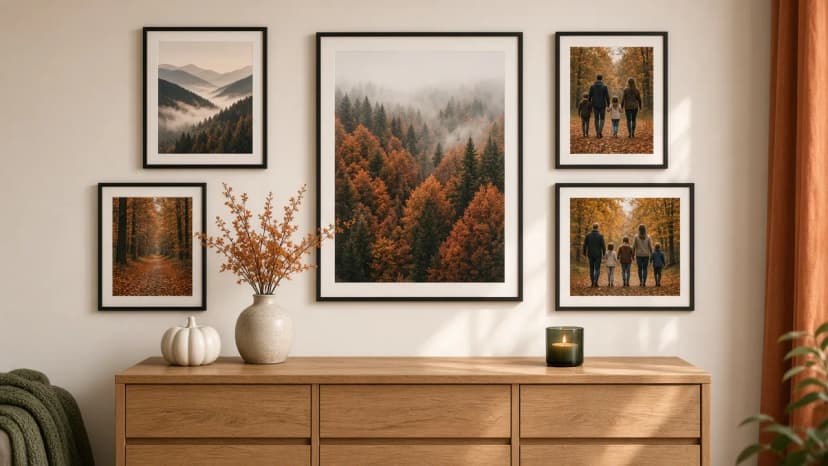
Autumn wall decorations without new frames: swap 2–3 photos in the gallery for forest, misty mountains, night sky and winter photographs from Framky Artists. How many to change, which palette, and when to return to the spring set.
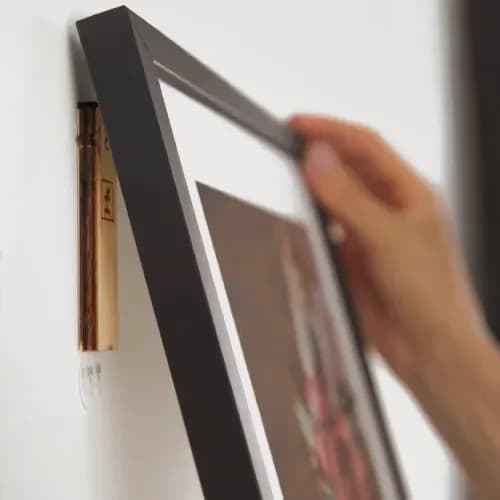
Find out what your wall is made of first, then pick the right fixing for concrete, plasterboard, brick or plaster. Or skip the drill on sound paint.
Give it a try?
See how it works