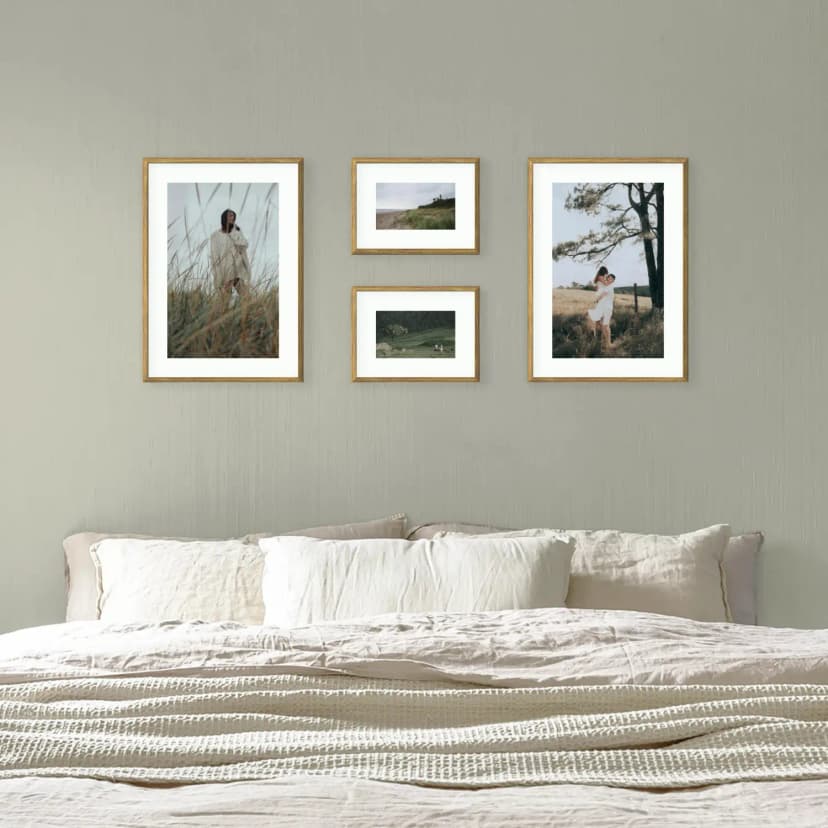
Gallery Wall on a Sloped Ceiling: How to Hang Pictures in an Attic Room
Under a sloped ceiling, hang the gallery on the low knee wall or the gable wall, not on the slope. Heights, layouts and fixings for attic rooms.
6 min read
Article
Photos above your desk affect concentration — what research shows. Choice of subject, glare-free zones, proportions and 4 common mistakes.
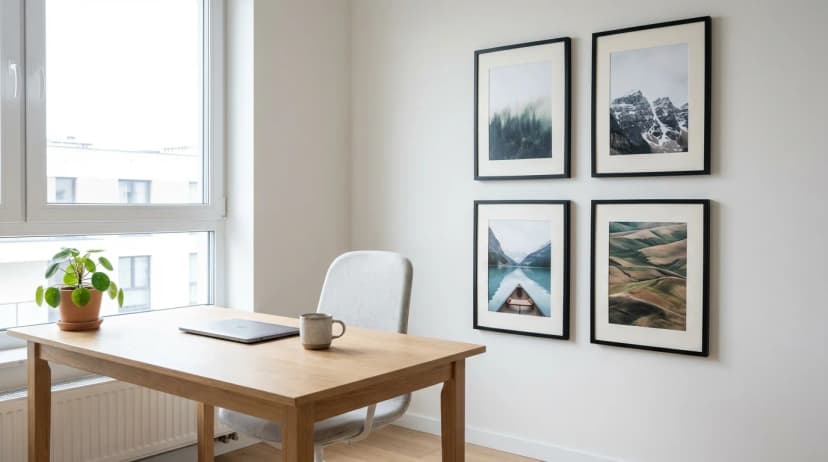
Short answer: Photos on a wall in the home office affect measurable stress levels and concentration ability — according to a meta-analysis by Kweon and colleagues (Environment and Behavior, 2008), the presence of nature images in a work space reduces self-reported stress by 13–19%. Optimal setup: 3–5 frames on a side wall (never opposite the monitor — glare), mixed subject matter (60% nature and landscapes, 30% personal memories, 10% accent), centred at 140–150 cm height.
Remote working in the UK has become standard for many professions since 2020 — which means the home office has gone from luxury to a room where we spend 6–10 hours daily. The walls of this room work alongside us: they influence how often we take breaks, how quickly we return to a task after distraction, and how we experience work-related stress. This article is about using this influence consciously.
Environmental exposure is a term in environmental psychology meaning passive, everyday contact with elements of the surroundings — without conscious viewing. Photos on an office wall are a classic example: you look at them incidentally, lifting your eyes from the screen, and they work through regular, brief exposures. It is involuntary exposure, not contemplation — and this is why it works over long periods, not in single "viewing sessions."
Three studies frame the science behind this topic:
Key principle: Nature images in the office are not "decoration" — they are an attention recovery tool. A few seconds looking at a forest photograph during a break between tasks activates different attention networks than screen work, giving your brain a micro-rest.
One of three rules we do not negotiate: never hang a gallery on the wall you see directly behind your monitor. Four reasons:
Best choice in 80% of cases. When you lift your eyes from the screen and look to the side, you see the gallery — this is the ideal moment for a 2–5 second attention recovery.
Recommendation: 3–5 frames, centred at 140–150 cm height, 80–150 cm from the desk.
Less obvious, but works well for people who consciously "turn around" during breaks. It gives complete eye relief from the screen.
Recommendation: 4–7 frames — this wall is usually the longest in an office, so you can use a larger composition.
If your desk sits perpendicular to a window, a gallery on the wall beside the window gets the bonus of natural daylight on the frames throughout the day. You need to watch for the zone where direct sunlight falls — UV fades colours.
Recommendation: 2–4 frames, away from direct sunlight (> 80 cm from the window).
| Psychological goal | Recommended subject | Proportion | Notes |
|---|---|---|---|
| Stress reduction | Nature landscapes (forest, mountains, water) | 40–60% | Strongest effect according to research |
| Attention recovery | Soft nature images, without sharp contrast | 30–50% | Kaplan Attention Restoration |
| Personal motivation | Favourite places, travel goals, passion | 20–30% | "Reminder why I work" |
| Sense of belonging | Close family, friends | 10–20% | Supportive, but do not dominate |
| Creativity | Abstraction, art, street photography | 10–20% | Only if you work creatively |
The absence of glass in Framky frames is doubly valuable in a home office:
A gallery behind you during video calls is like a mini business card. Three rules:
In research on the impact of images on cognitive work, nature photos not only do not distract but support focused attention recovery (Kaplan, Attention Restoration Theory). The key is placing them outside your direct line of sight while working — on a side wall or behind you, not behind the monitor.
Muted, with dominant greens (nature), blues (water, sky) and warm earth tones. Avoid strong reds and oranges — they are psychologically stimulating, which is counterproductive in the office. Black and white photography also works very well, especially portraits and landscapes.
3–5 frames is the optimal range for a typical home office of 6–12 m². Below 3 the gallery loses coherence, above 5 it becomes visual noise competing with the screen. Larger offices (> 15 m²) tolerate 5–7 frames.
Yes, but limit to 1–2 frames, do not build a "family gallery" in your office. Photos of loved ones activate emotional brain networks, which is supportive during breaks but can be distracting during intense work. Optimal: 60% nature, 20–30% personal, remainder accent.
If the gallery is on a side wall — centred at 140–150 cm (museum standard, independent of the desk). If, exceptionally, you make a gallery above the desk (the wall opposite, despite our advice), the centre should be at 120–130 cm — a compromise between museum standard and the eye level of a seated person.
In the context of stress reduction and attention recovery — yes, the evidence is strong. Meta-analyses in environmental psychology consistently show the advantage of nature images over abstraction and non-natural art. For creativity the results are less clear — some research suggests abstract art may support divergent thinking. If you work creatively, you can mix.
A deeper analysis of the psychological impact of photos on wellbeing can be found in Psychology of photos on walls and wellbeing. To choose the right wall, see Psychology of photo placement. If your office is small and you need to calculate proportions exactly, How many photos in a wall gallery will be helpful.
Design a gallery for your home office — with MDF frames without glass, no glare from desk lamps — in Framky's configurator.
Sign up and we'll send you a code with a bigger discount than the shop offers — plus occasional inspiration for your photo gallery wall.
Under a sloped ceiling, hang the gallery on the low knee wall or the gable wall, not on the slope. Heights, layouts and fixings for attic rooms.
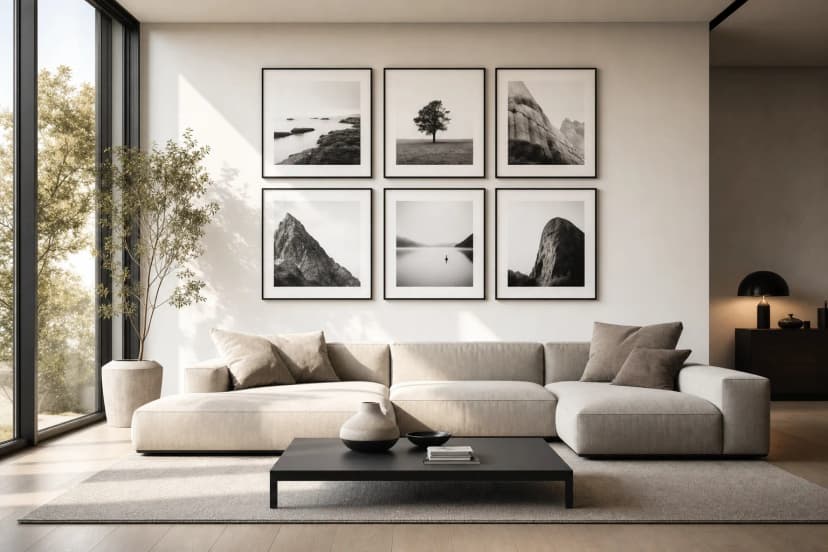
Treat the TV as one frame: centre the gallery on the screen, align edges, keep equal gaps and use larger frames near it. Four layouts that work.
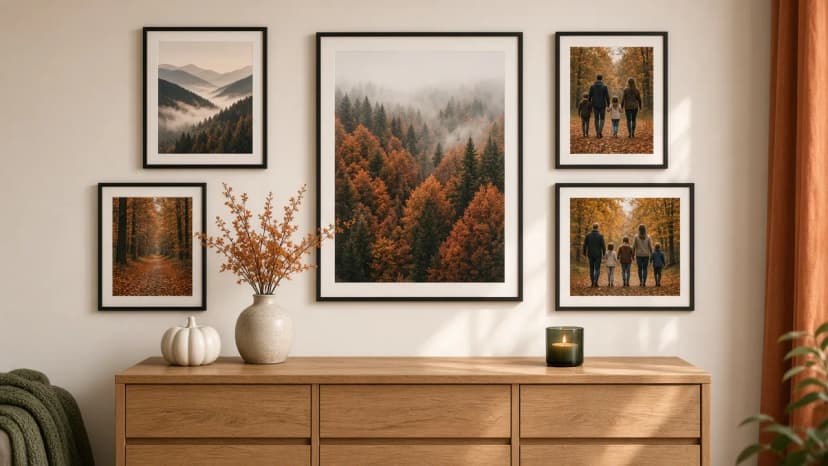
Autumn wall decorations without new frames: swap 2–3 photos in the gallery for forest, misty mountains, night sky and winter photographs from Framky Artists. How many to change, which palette, and when to return to the spring set.
Give it a try?
See how it works